See the plan. Review the diff. Revert in one click.
Autonomous coding tools mostly ask for trust up front. The Haybox agent is built to earn it in order: show what it believes, do the work in isolation, verify, then ask.
Planned — the native agent is not in the Stage A build. This page describes what it is being built to do.
The plan preview
Before execution, the agent will show the files and symbols it believes the change touches, with a confidence figure and its open unknowns. A wrong plan gets stopped in five seconds instead of discovered in a bad diff twenty minutes later.
plan preview
PLAN — "support org accounts in auth"     (illustrative)

Expected to modify:      7 files
Potentially affected:   14 files    confidence: 91%

Unknowns:
- legacy /login endpoint may still be live
- password reset has no automated tests
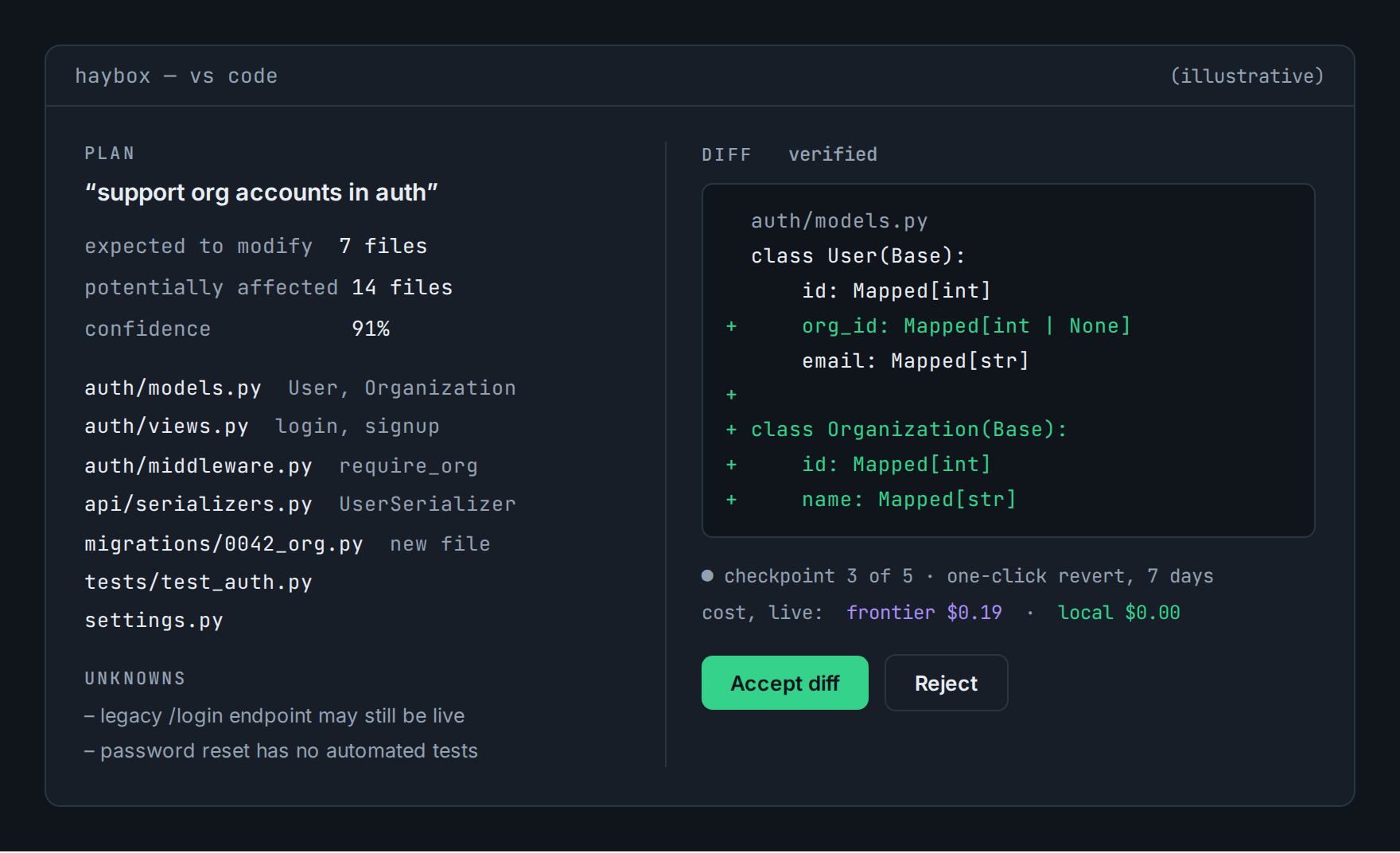
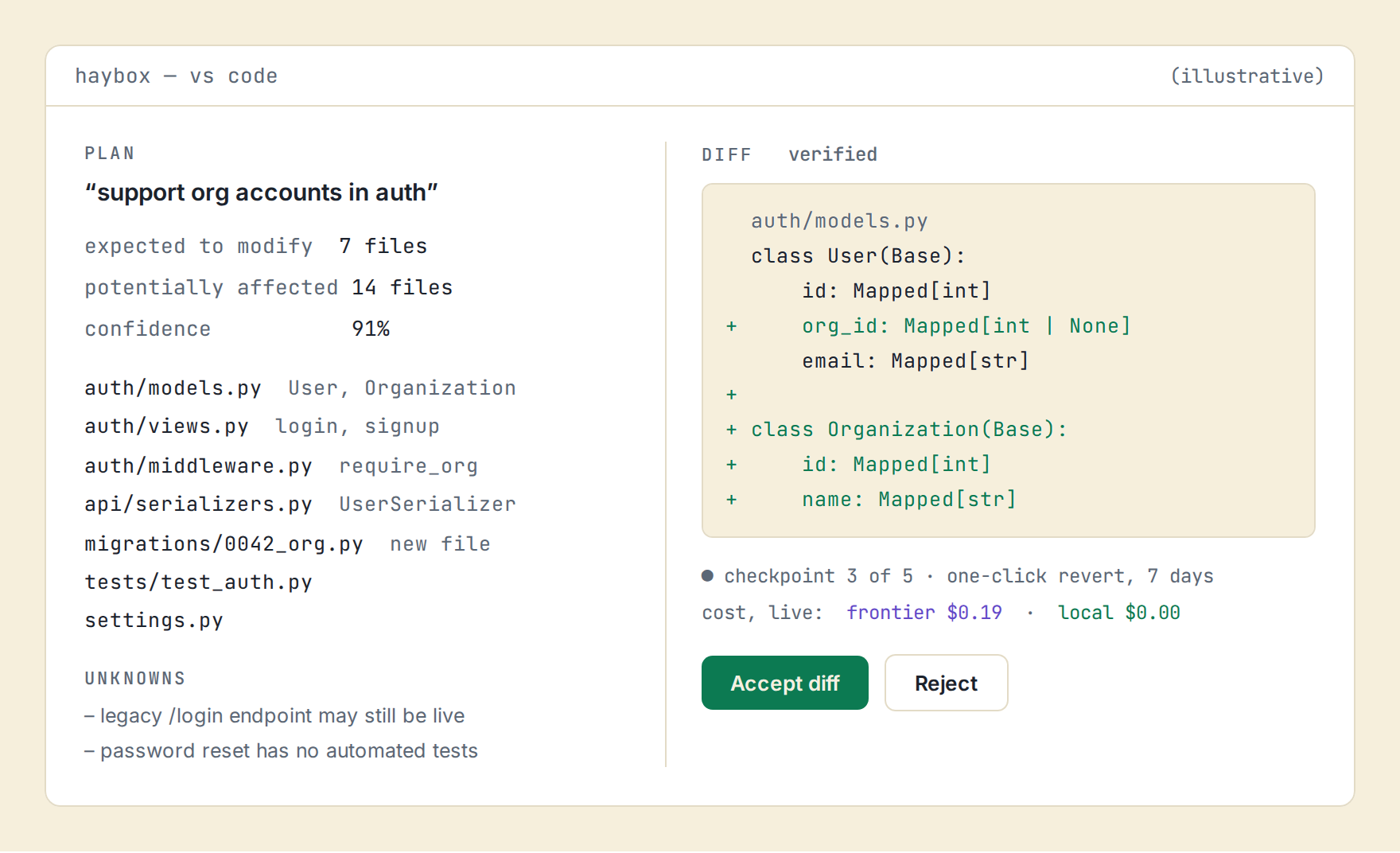
Plan preview beside a verified diff. Illustrative.
When the plan turns out to be wrong
Plans are written before the work starts, which means some of them are wrong. If a step discovers its premise doesn’t hold, it says so, the remaining unstarted work is replanned around what was learned, and the revision is recorded on the Waybill next to the original. You see that the plan changed and why. An agent that quietly improvises past a bad assumption is an agent you cannot audit.
Independent work runs at the same time
Where parts of a task don’t touch each other, they don’t wait for each other: independent steps run concurrently in separate workspaces over disjoint files. The cost meter shows several lanes running at once, and the Waybill still reads as one task.
Isolated by default
Edits will run in an isolated git workspace with a checkpoint at every agent step. Accept merges the verified diff; reject discards it; revert is one click for a week after. Your working tree is never the experiment.
Where you’ll use it
The haybox CLI for the full loop in a terminal. The VS Code panel for plan preview, diff review, and a live cost meter as the task runs: the receipt, forming in real time. JetBrains is on the roadmap; the gateway serves JetBrains users today through the tools they already run.
Questions
Does the agent require the subscription?
Local Only mode is free forever; the learned routing service is the paid part.
Can I use it and gateway mode together?
Yes; one daemon, one ledger, both doors.
Router · Shadow Mode · How it works · Download · All features
See what your own traffic says.
Shadow Mode reports on the traffic you already have. Before that exists for you, the calculator will estimate it from your GPU and your monthly spend, and show you every assumption it used to get there.