Audit first. Commit later. Change nothing today.
You shouldn’t hand routing control to software you met an hour ago. Shadow Mode is the trial that respects that. Haybox passes every request through untouched, classifies your tasks, simulates the routing decision it would have made, and prices the difference. Your tools behave identically. Your bill is the only thing being studied.
What you get after 30 days
shadow-report
LAST 30 DAYS — SHADOW MODE                (illustrative)
                                          SIMULATED

Frontier spend:                  $118.40
Simulated with routing:           $31.20
Estimated avoidable:              $87.20   (74%)

Tasks the router would keep local:    61%
Tasks it would escalate anyway:       39%

Method: routing replayed against recorded traffic.
Prices read as_of [date].
The report shows frontier spend, simulated spend with routing, the estimated avoidable share, and the split of tasks the router would keep local versus escalate anyway. It’s built from your traffic, on your machine; the report is yours to keep and, if you like, to share. Many of our first users arrived because someone posted one.
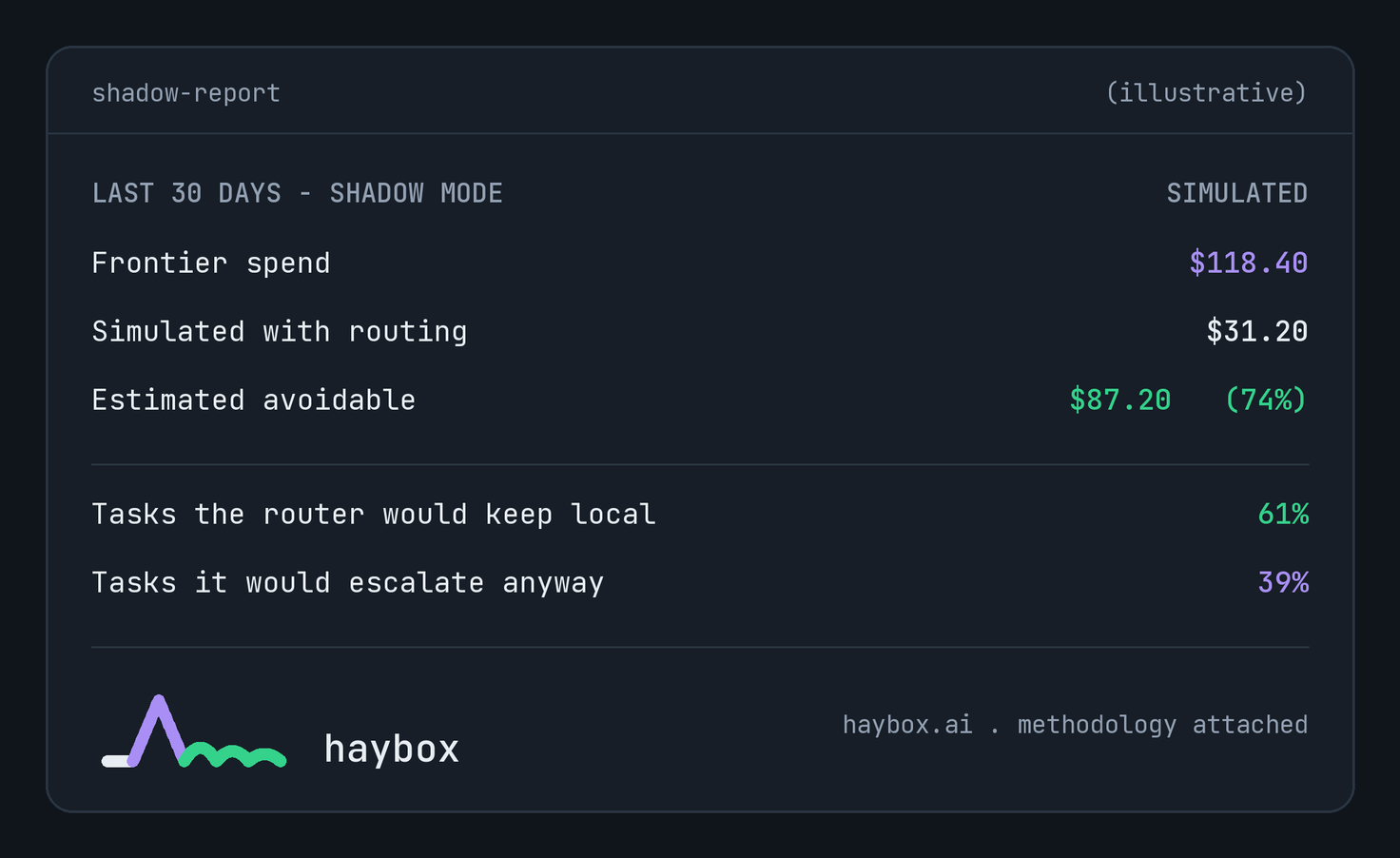
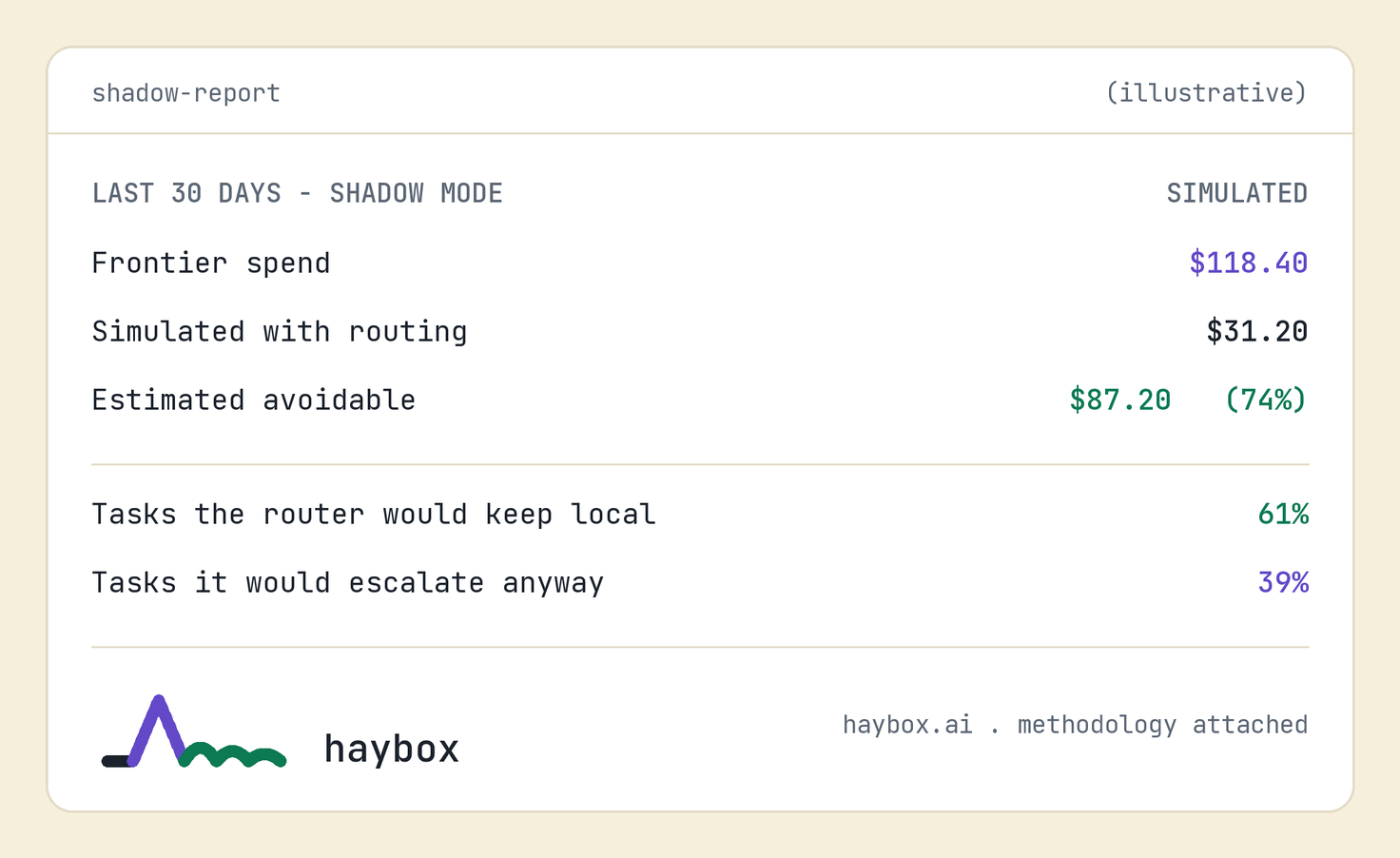
The same report as the shareable card. Illustrative.
From estimate to measurement
An estimate is where trust starts, not where it ends. When you turn routing on, a sampled slice of eligible tasks continues to run on the frontier baseline, and outcomes are compared. The savings figure on your dashboard graduates from “estimated” to “measured, ±N points,” and it says which one it is at all times.
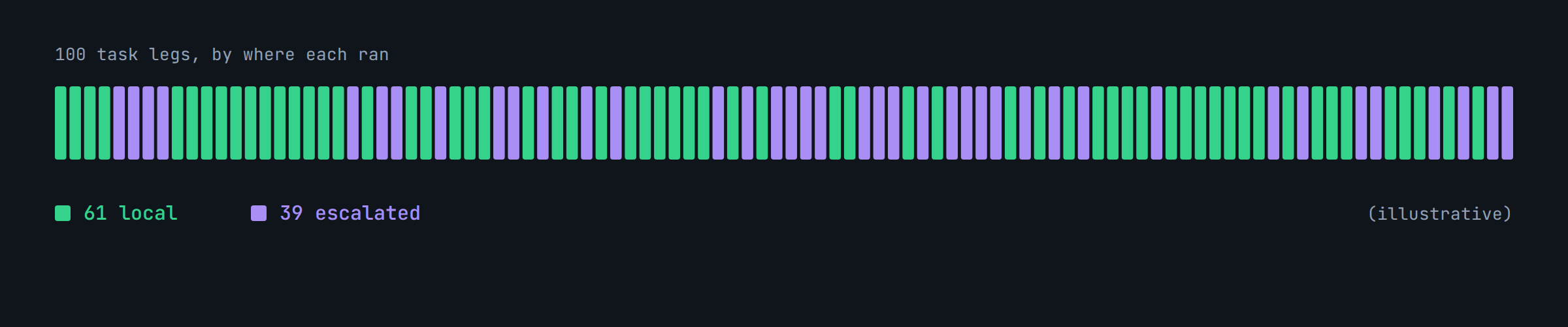
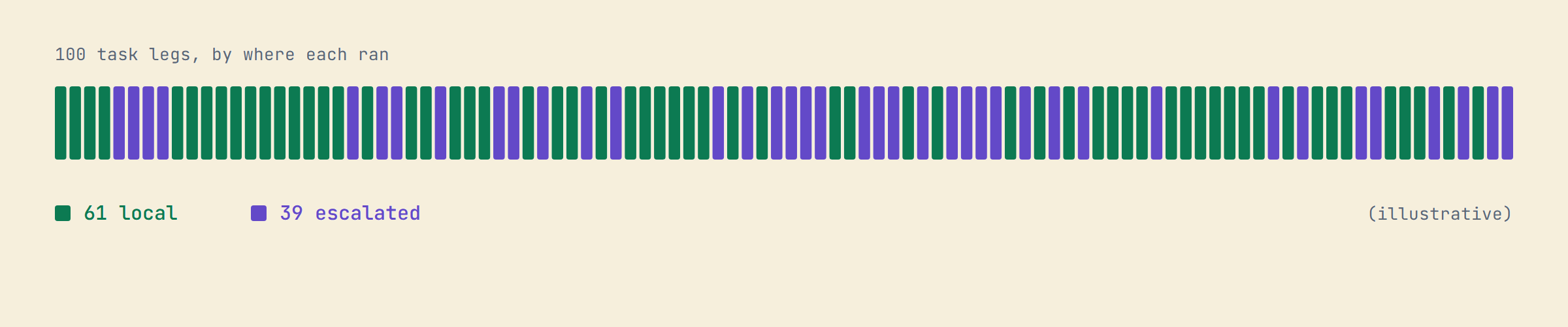
Where a month of task legs actually ran. Illustrative.
For the person who owns the team’s AI line item
The same audit works across a team: everyone installs the gateway in shadow, nothing about the workflow changes, and 30 days later there’s a manager-level report of what routing would save. If the number is boring, uninstall; the report cost nothing. Team plans are in early access; the audit kit is how they start.
Questions
Does Shadow Mode slow my requests?
No; it observes and forwards.
Does the report leave my machine?
Only if you share it.
Do I need local models installed for Shadow Mode?
No, it simulates. The Model Manager is there when you’re ready.
Ledger · Local Model Manager · Pricing · Want a guess before the audit? · All features
Change nothing for 30 days. Keep the report.
Shadow Mode passes every request through untouched. At the end you have a report built from your own traffic, and you have changed nothing to get it.