One task in. One verified diff out. A receipt in between.
Haybox is a single binary that runs on your machine. Your tools talk to it; it talks to your local models and, when needed, to frontier APIs with your own keys. Here is the loop, in the order you’ll experience it.
Stage A ships the gateway, the Ledger and Shadow Mode. The steps below marked “planned” are not in that build.
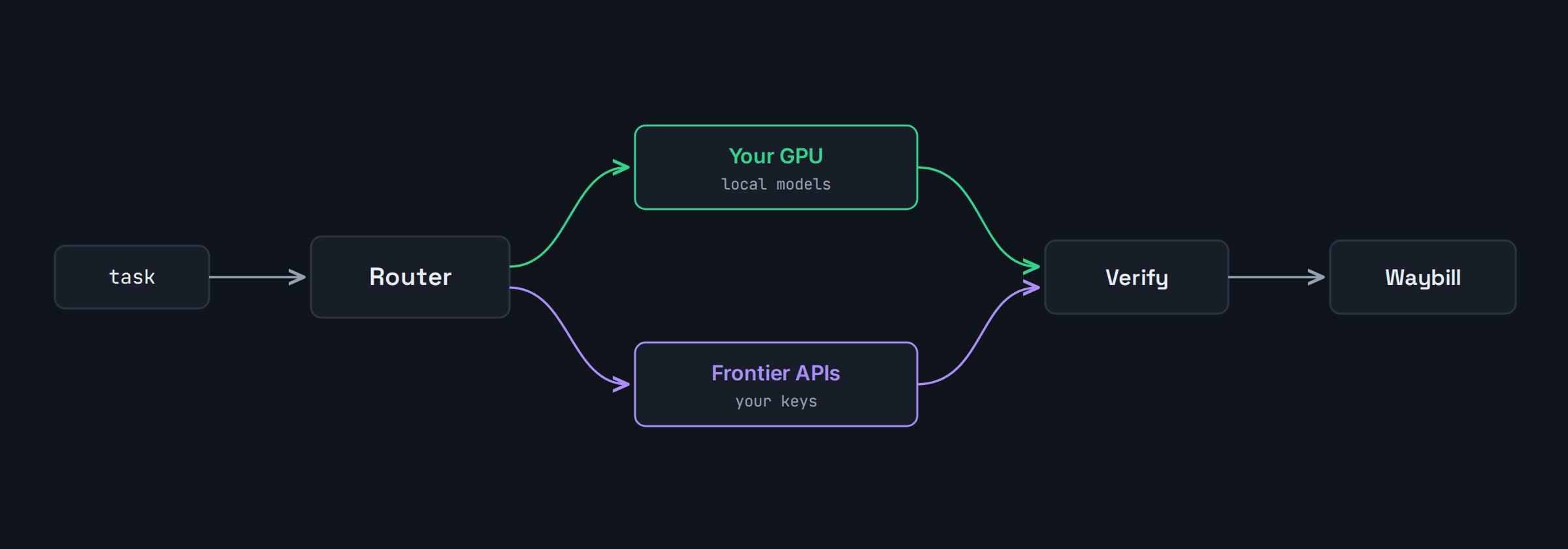
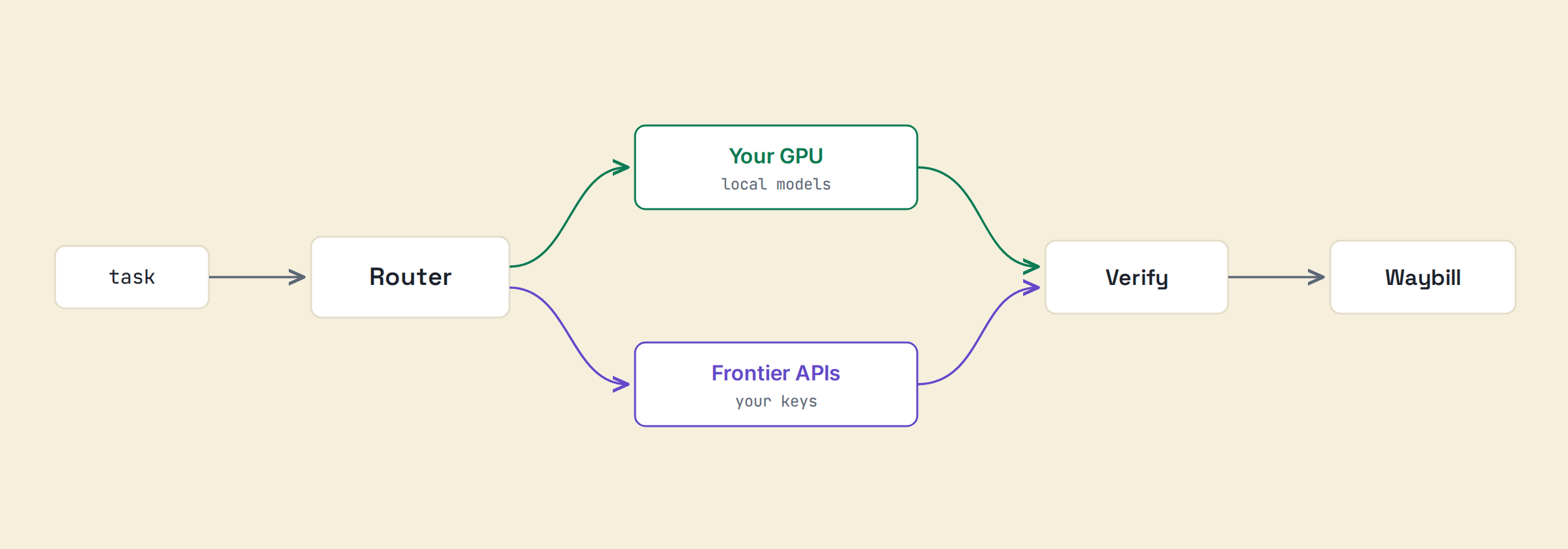
The route, end to end. Illustrative.
1. It reads the job, not just the prompt
The Project Brain is Haybox’s working picture of your repository, built on your machine and kept current as you work. When a task arrives, Haybox reads the job against that picture and sends the model the part of your codebase that the job actually needs, instead of the whole thing.
Two things fall out of that. Costs drop, because context is most of what agentic coding pays for. And the plan preview exists: before anything runs, the native agent shows the files and symbols it believes the change touches, with a confidence figure, so you can stop a bad plan before it becomes a bad diff.
2. Routing: each step to the cheapest resource that holds quality
Planned — not in the Stage A build.
Routine steps will run on your local models: repository search, summarization, boilerplate, test generation, documentation, simple fixes, first-pass edits. Hard steps will go to a frontier model on your own key.
You will pick the policy: Balanced, Cheapest, Best Quality, Fastest, or Local Only. Best Quality is designed to bypass cost optimization outright; Local Only to keep work on the machine. Escalation is designed to be evidence-driven: a failed verification or low classification confidence, not a coin flip.
3. Verification, before it asks for your trust
Planned — not in the Stage A build.
A proposed diff will run your project’s own checks first: pytest, jest or vitest, tsc, cargo, your build command, ruff or eslint, detected from your configuration. Failures will route back for another attempt or an escalation. In native mode, edits will happen in an isolated workspace with a checkpoint at every agent step and one-click revert, so trying the diff costs you nothing but the reading time.
4. It writes the receipt
Every task gets a Waybill: route taken, cost per leg, checks passed, your accept or reject. The Ledger rolls those into daily and monthly views: spend by tier, the estimated frontier-only baseline, and the difference. Reverts will be tracked through git for seven days and count against success. The dashboard runs locally; the data is a SQLite file on your disk.
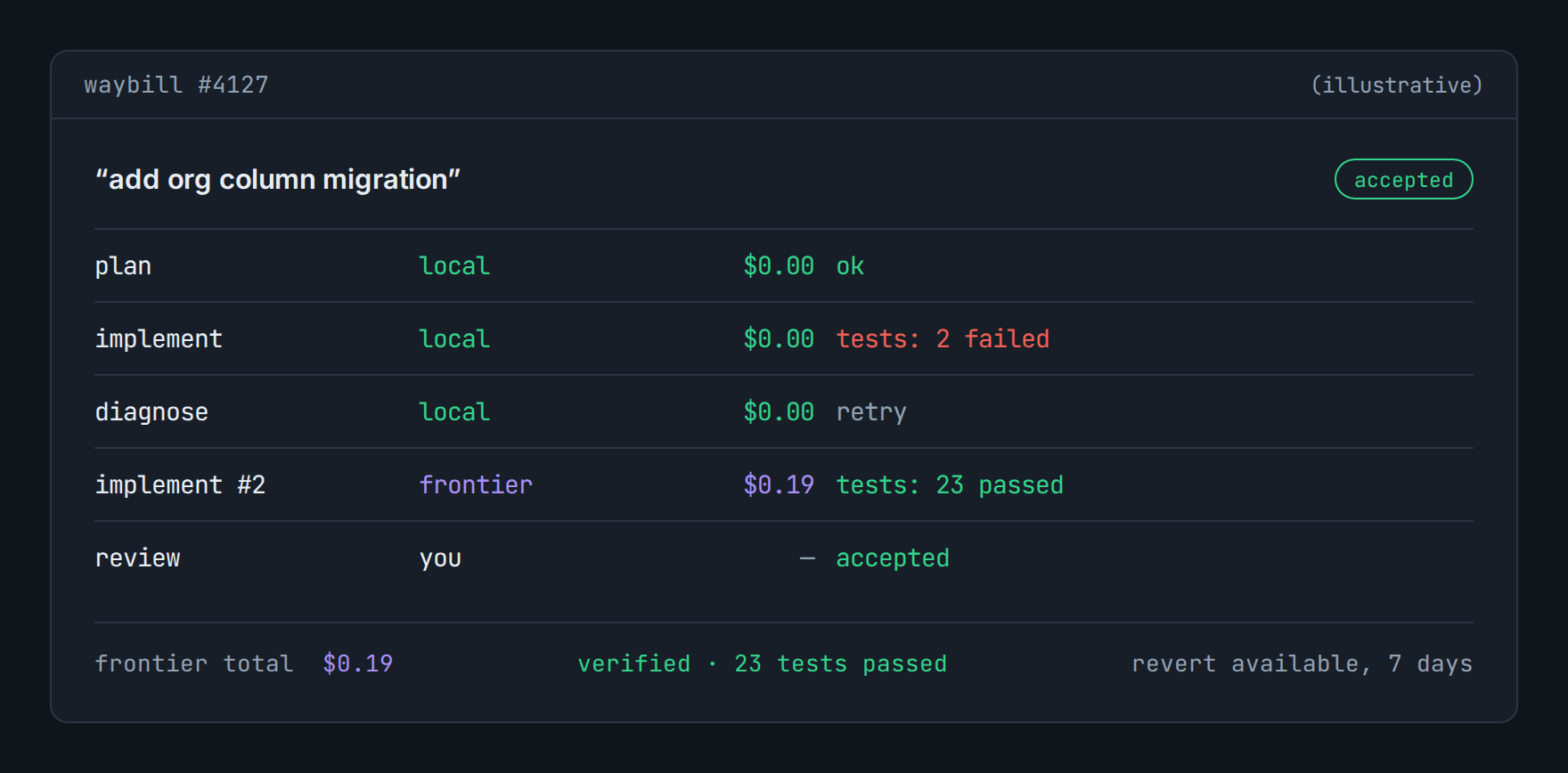
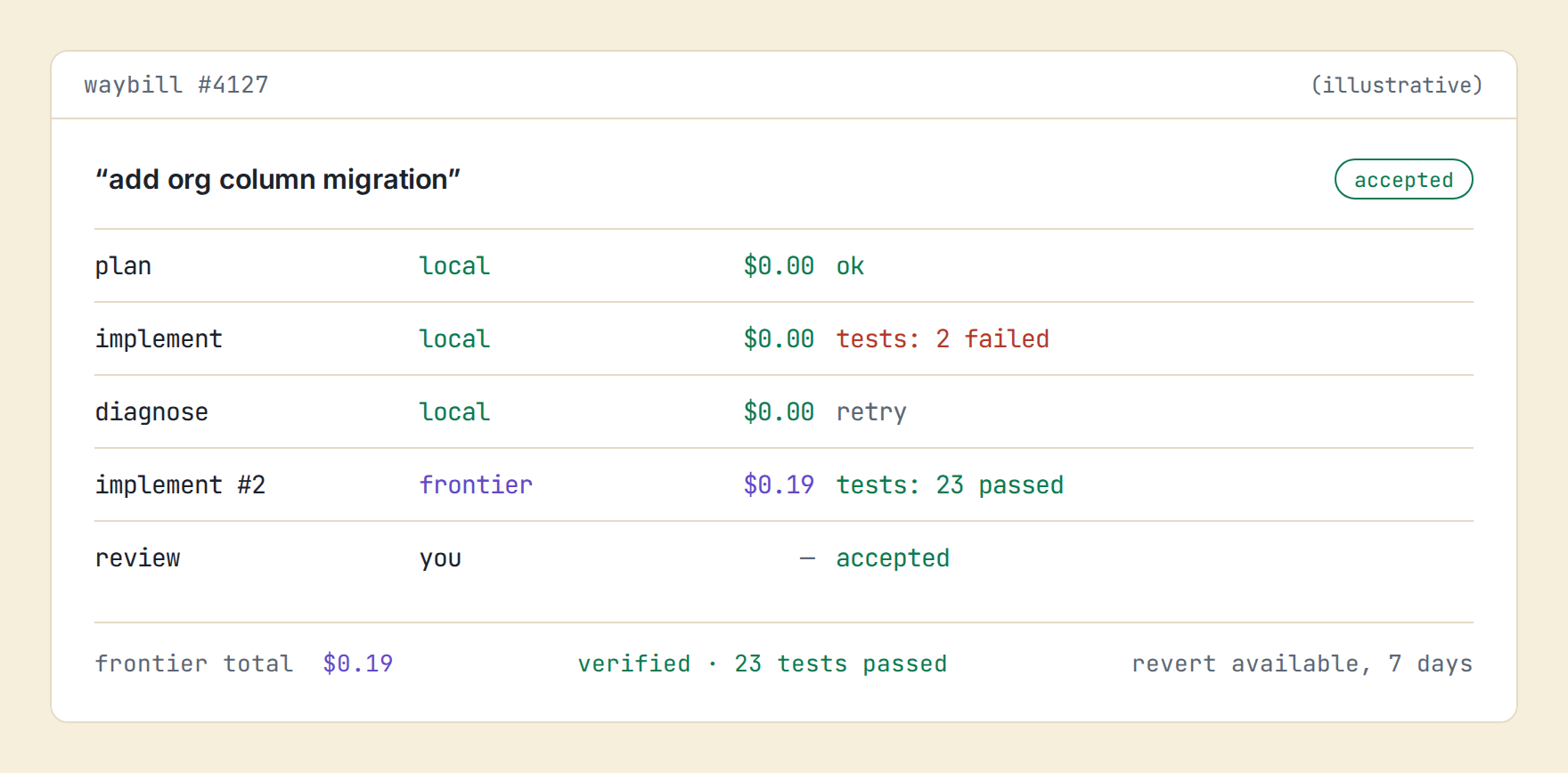
A Waybill, leg by leg. Illustrative.
What “success” means here (published, on purpose)
A task is one agent run that ends in a proposed diff or an explicit answer. It counts as successful only when all three hold: verification passed, you accepted it, and it survived seven days without a revert.
Savings are reported against a defined baseline, and once routing is on, a sampled slice of eligible tasks runs on the frontier baseline anyway, so the savings figure ships with a confidence interval. Estimates are labeled estimates; measurements are labeled with their method.
Two front doors
Native mode
The haybox CLI agent and a VS Code panel. Plan preview, routed execution, a verified diff you accept or reject, checkpoints throughout.
Planned — not in the Stage A build.
Gateway mode
Standard local endpoints. Point the tool you already use at the daemon with one configuration line and keep working exactly as before.
What Haybox is not
No cloud IDE, no hosted inference, no seat-based markup on tokens. Your keys, your hardware, your repo, your ledger. The subscription buys routing decisions, not access to your own compute.
Router · Ledger · Security · Benchmarks
See what your own traffic says.
Shadow Mode reports on the traffic you already have. Before that exists for you, the calculator will estimate it from your GPU and your monthly spend, and show you every assumption it used to get there.